


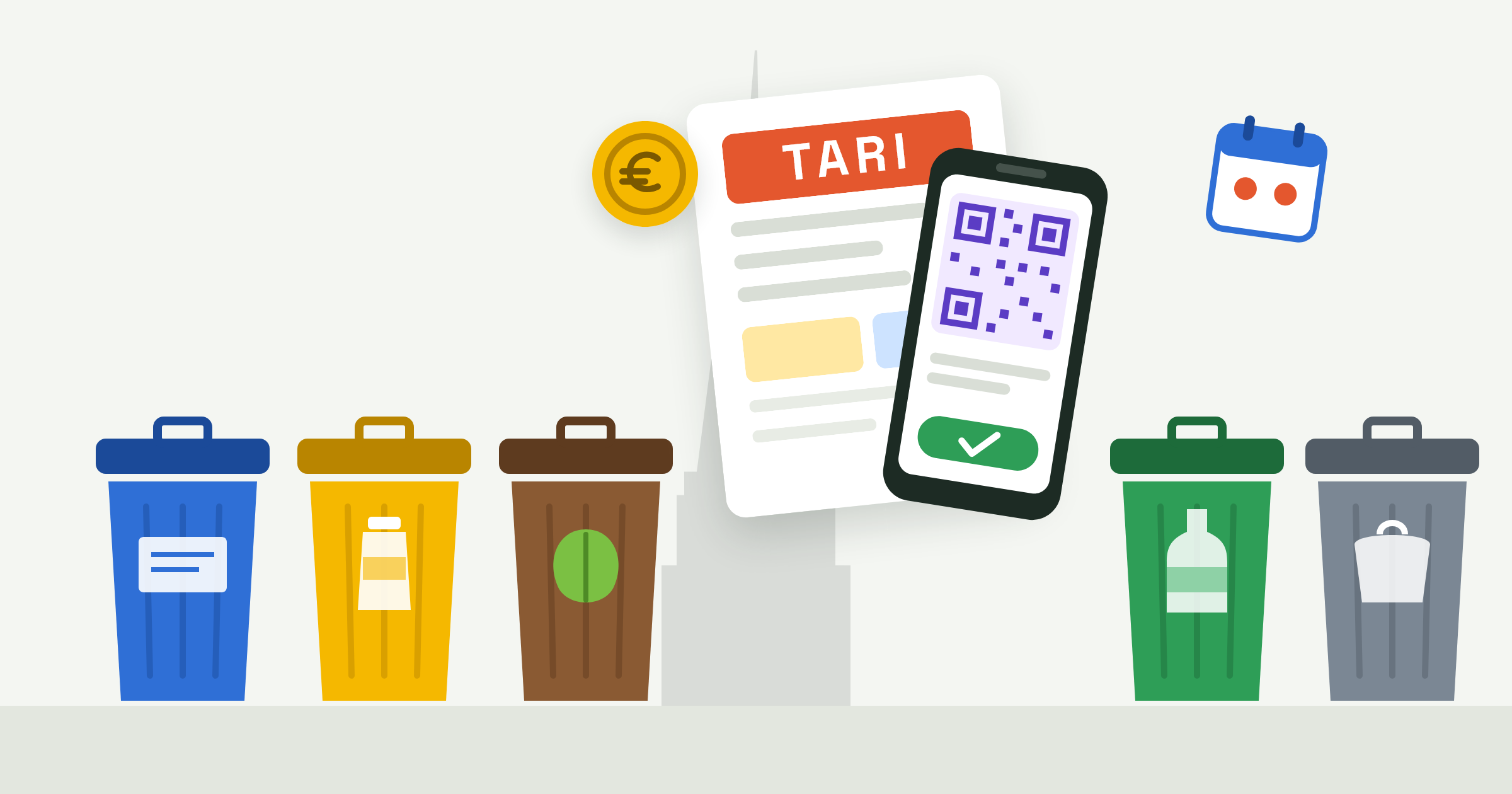

The waste collection bill must be paid twice a year. The company SORIS is responsible for waste collection in the city of Turin, and we have consistently struggled to figure out how to pay the bill which has resulted in late payment penalties.
The government’s IO app is supposed to display all required payments, however, since it relies on Italian technology, it functions only intermittently. If you happen to be unlucky this year, this article outlines the process for generating an invoice and making the payment.
Generate a payment slip
Have you ever received a payment notice but couldn’t find a payment slip?
Here is how to generate it:
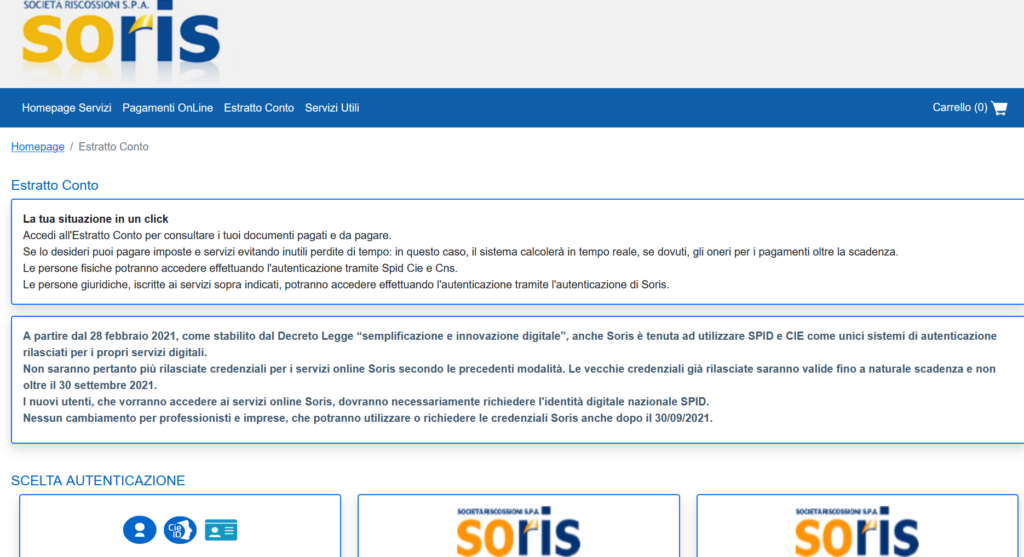
- Access your account details on the SORIS website:
https://portale.servizi.soris.torino.it/pagonet2/authservice?appl=estrattoconto - Login to your personal account using CIE or SPID secure access, located at the bottom left of the page.
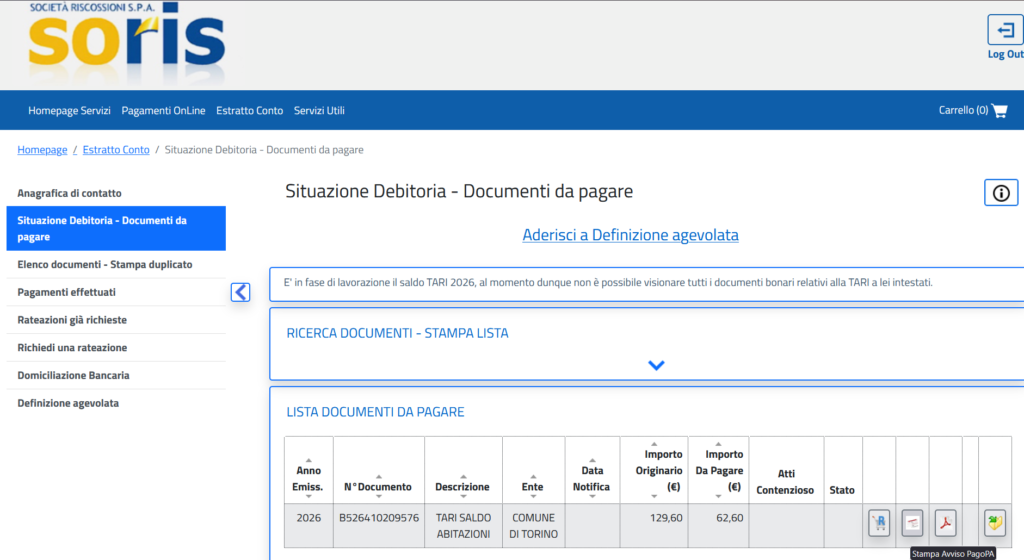
- In the “LISTA DOCUMENTI DA PAGARE” (List of Documents to Pay) table, click the second button on the right, marked with an invoice icon and labeled “Stampa Avviso PagoPA.”
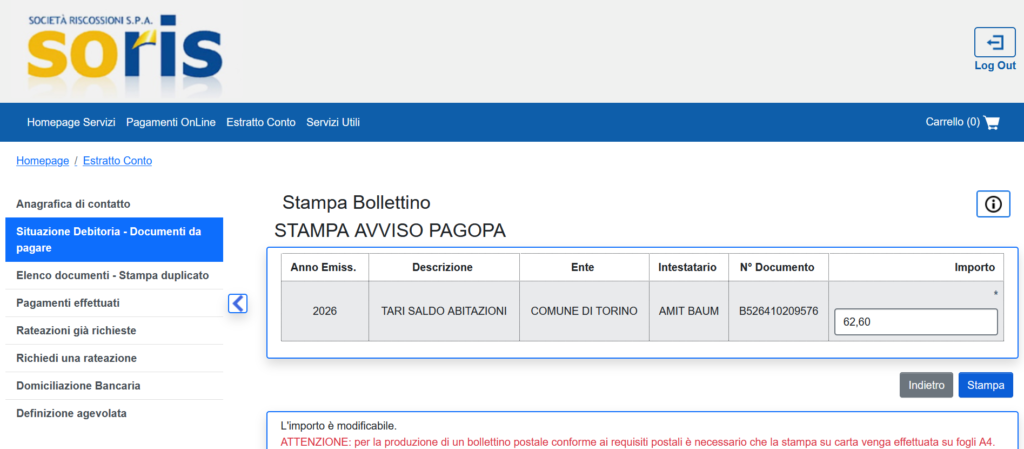
- On this page, click the blue “STAMPA” button, then save the payment slip.
Pay the payment slip via the PagoPA app
- Access the IO.it app from your mobile device.
You can also make the payment via the website:
https://checkout.pagopa.it
- In the app, tap the central button at the bottom of the screen and scan the QR code.
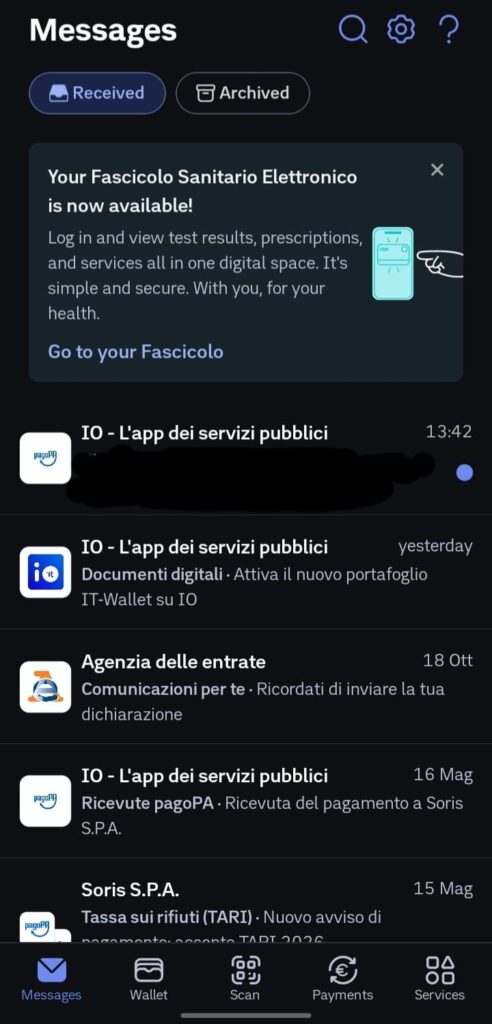
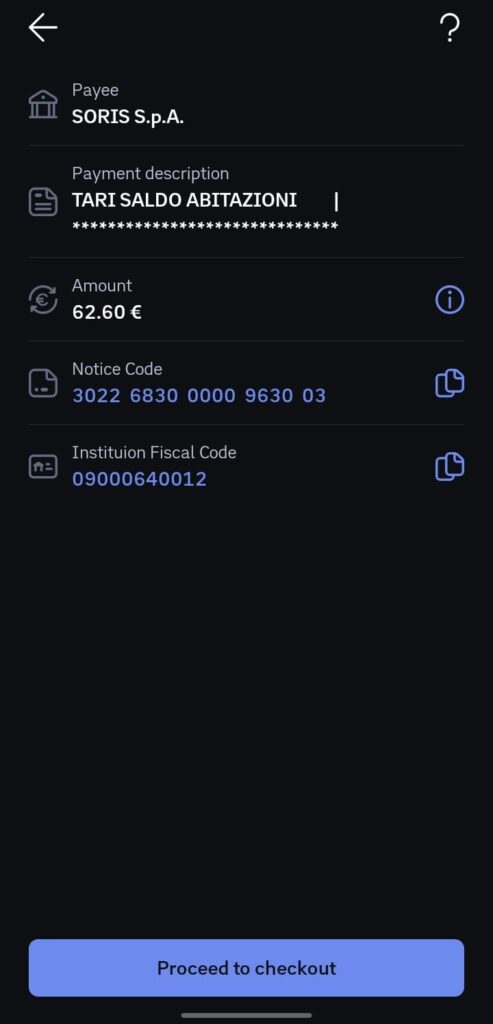
- Click the button at the bottom to proceed with the payment.
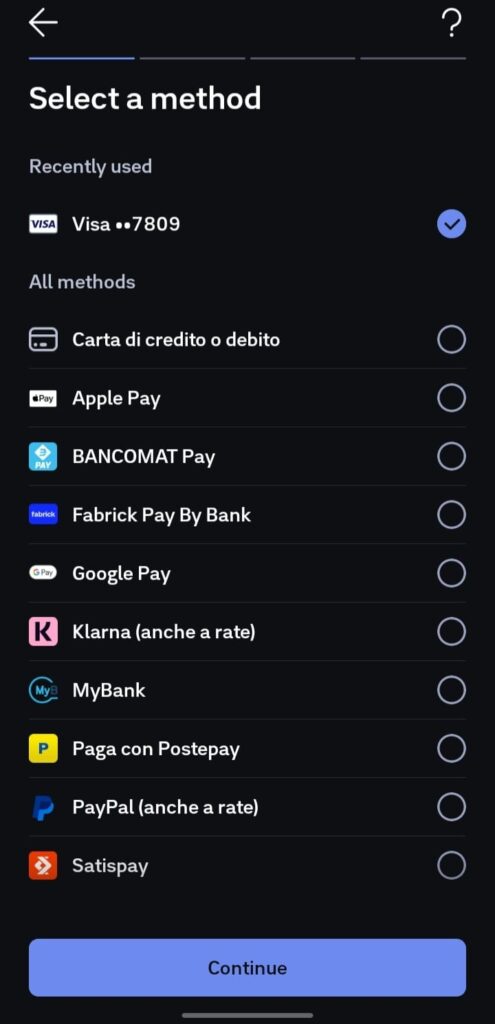
- Select your preferred digital payment method, then click the button at the bottom to continue.
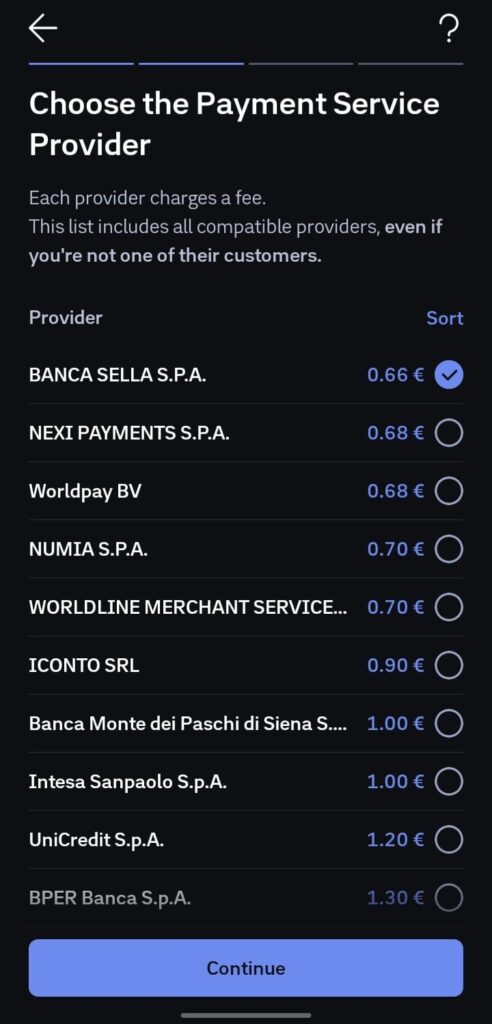
- We recommend to select the first payment provider which is the most affordable, and then click the button at the bottom to proceed.
- Click the button at the bottom of the page, then complete the payment on the secure page.
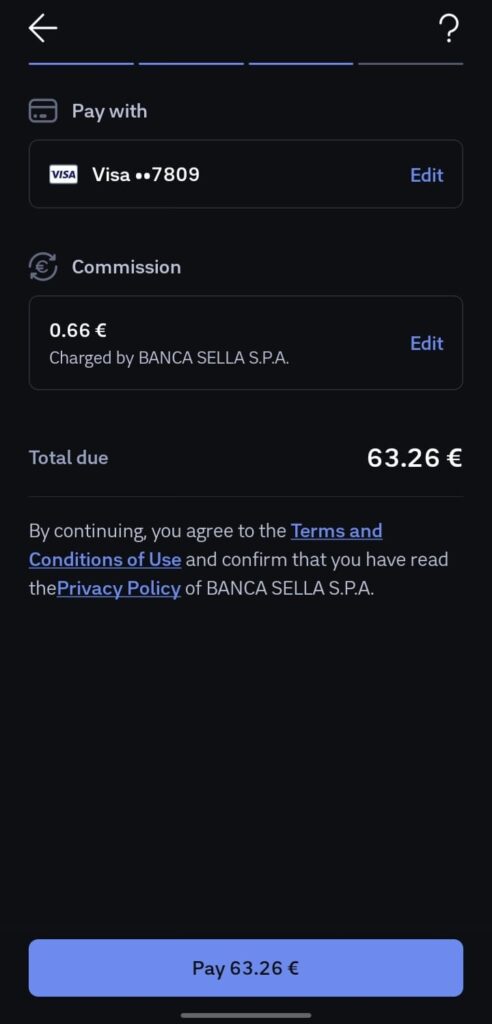
- If you have successfully completed all the steps in the app, a payment confirmation will be displayed.
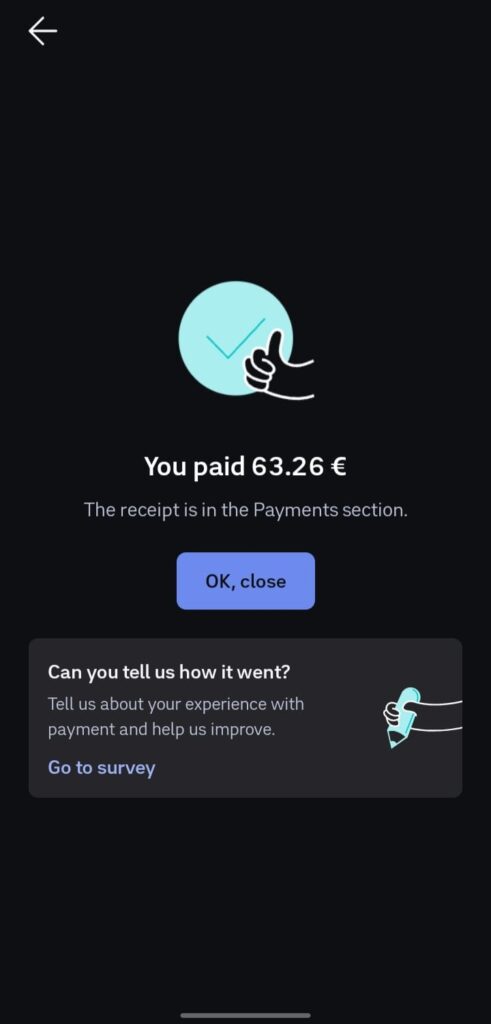
If you found any errors in the article or have suggestions for improvement, please let us know in the comments below.


Leave a Reply